Before you start, create a Coinmate account if you do not already have one.
Sign in or sign up
Sign in to your Coinmate account. New users can register directly with Coinmate.
Open the API menu
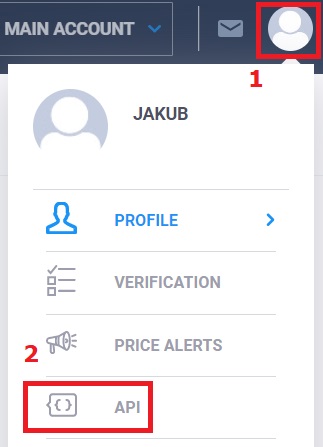
Open the account menu in the top-right corner of Coinmate and choose API.
Set up an API key
Create a new API key and configure it as follows:
- Enable account information, trading, and withdrawals if you plan to use those BTC DCA features.
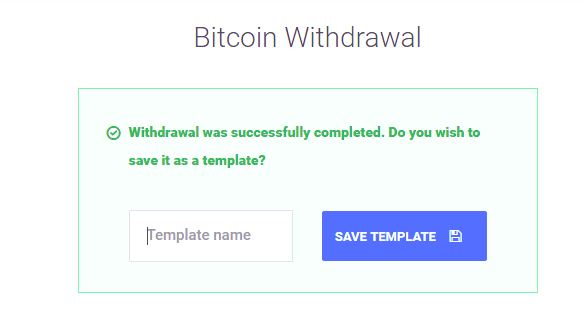
- For withdrawal security, enable withdrawals only to template addresses and add approved addresses in Coinmate.
- Give the key a recognizable label.
- Restrict access to the BTC DCA server IP address: 2001:1528:240::1f.
Authenticate
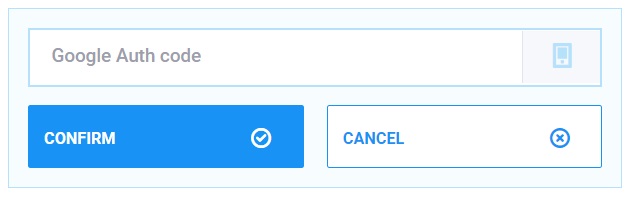
Save the API key and complete the two-factor authentication challenge in your authenticator app.
Your public API key, private API key, and client ID are now available.
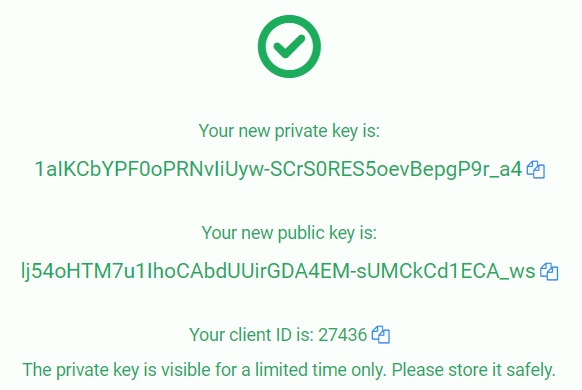
Connect Coinmate to BTC DCA
Log in to BTC DCA, open Setup, select Coinmate, and enter the public API key, private API key, and client ID in their matching fields. Save the connection.
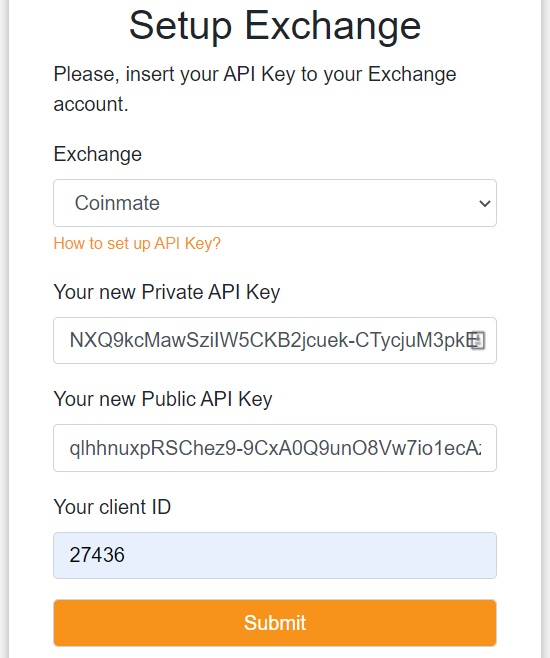
Test connectivity
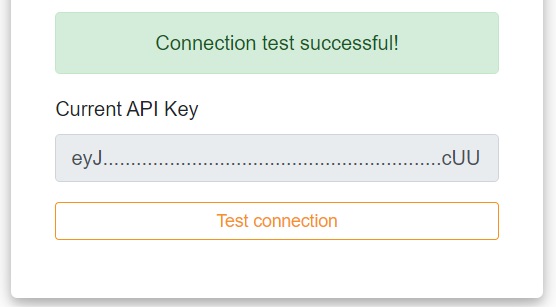
Select Test connection. A successful result confirms that BTC DCA can communicate with your Coinmate account.
Never share your private API key. Restrict it by IP address and use withdrawal address allowlisting whenever the exchange supports it.