Before you start, create a Binance account if you do not already have one.
Sign in or sign up
Sign in to your Binance account. Complete any identity or security requirements requested by Binance before creating API credentials.
Open API management
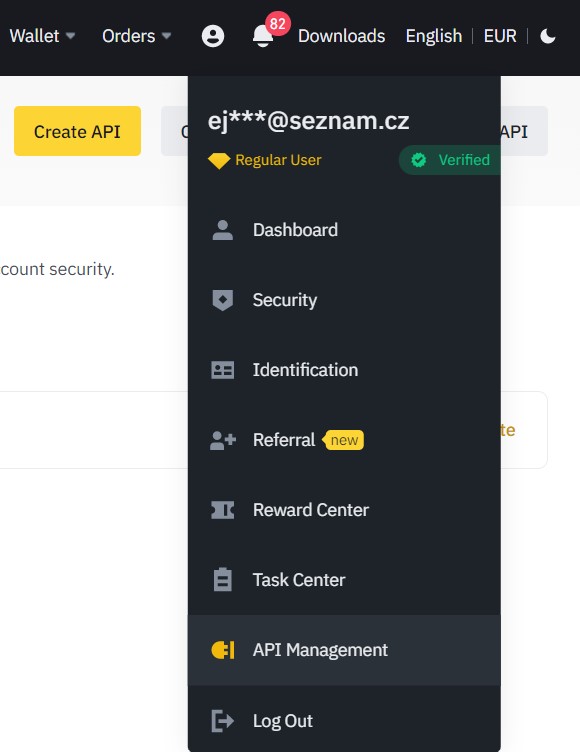
Open your user account menu and select API Management.
Set up a new API key
- Select Create API and give the key a recognizable label.
- Confirm the request using the e-mail code and your authenticator app.
- Copy the API key and secret key. You will need both in BTC DCA.
Set permissions and IP restriction
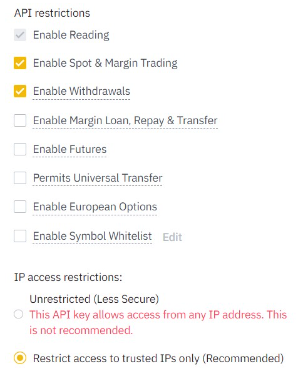
Open the API key restrictions and enable the functions you intend to use:
- Enable Spot & Margin Trading for automated purchases and sales.
- Enable Withdrawals only when you use BTC DCA withdrawal automation.
- Choose trusted-IP restriction and add the BTC DCA server IP address: 217.11.249.141.
Use the smallest set of permissions that supports your strategy. Enable withdrawals only when necessary, and keep Binance withdrawal address allowlisting enabled.
Connect Binance to BTC DCA
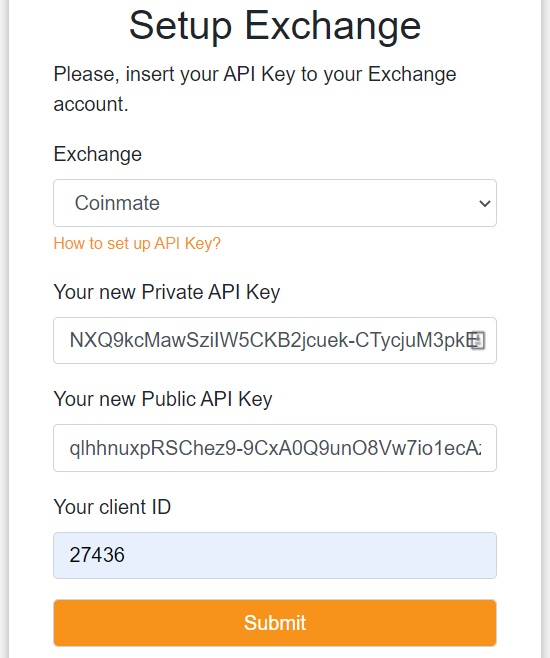
Log in to BTC DCA, open Setup, select Binance, and paste the public API key and secret key into their matching fields. Save the connection.
Test connectivity
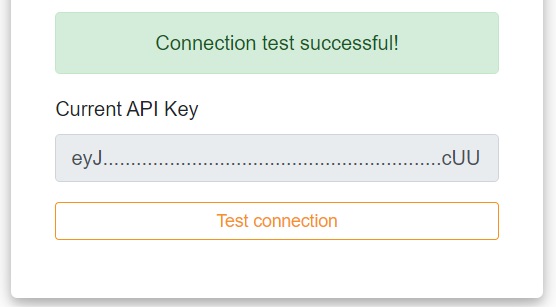
Select Test connection. A successful result confirms that your API key, permissions, and IP restriction are configured correctly.